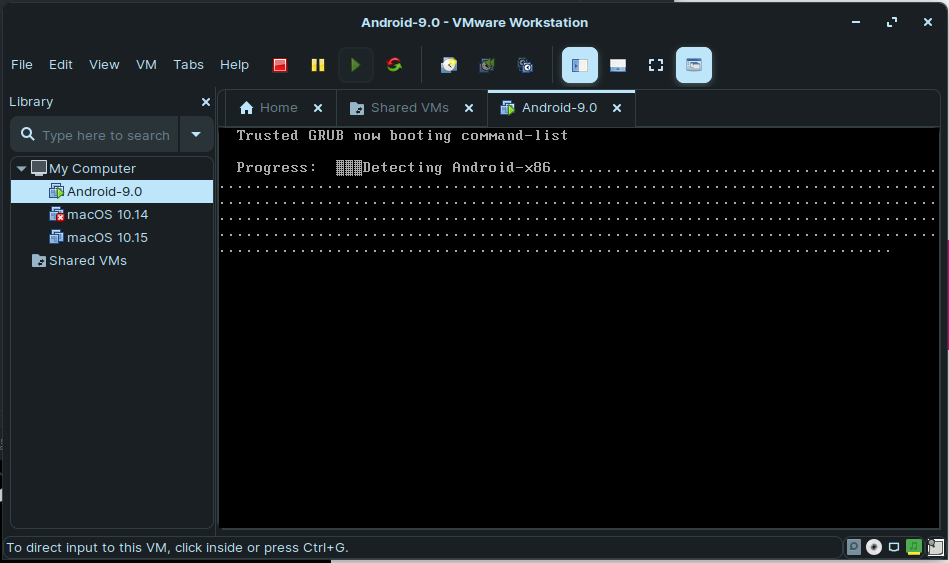
Frytea's Blog · 2020-02-05T14:04:25Z 解决VMeare 安装 Android x86 错误 💡 原文中文,约500字,阅读约需2分钟。 📝 内容提要 在使用VMware安装Android x86 9.0时,如果遇到“detecting android-x86 found at /dev/sda1”的错误,可以通过启动时按e键编辑启动选项,将“quiet”改为“nomodeset xforcevesa”,然后按Enter和b键启动来解决。 🏷️ 标签 Android x86 VMware android x86 启动选项 解决方法 错误 阅读原文 生成长图 分享链接 已复制链接